WooCommerce offers a flexible foundation for building an online store, but plugins are what extend that foundation into a system capable of handling real business growth.
The right plugins can help store owners automate everyday processes, improve how customers interact with the store, strengthen visibility in search engines, and create better opportunities for conversion. Some plugins support marketing and promotions, while others improve order management, payments, communication, or store performance behind the scenes. Together, they open up more ways to attract, convert, and retain customers.
In this article, we’ll look at 12 essential WooCommerce plugins that support growing businesses. Each plugin plays a different role in helping stores scale more efficiently, manage operations smoothly, and create stronger revenue opportunities as the business expands.
1. Smart Coupons for WooCommerce
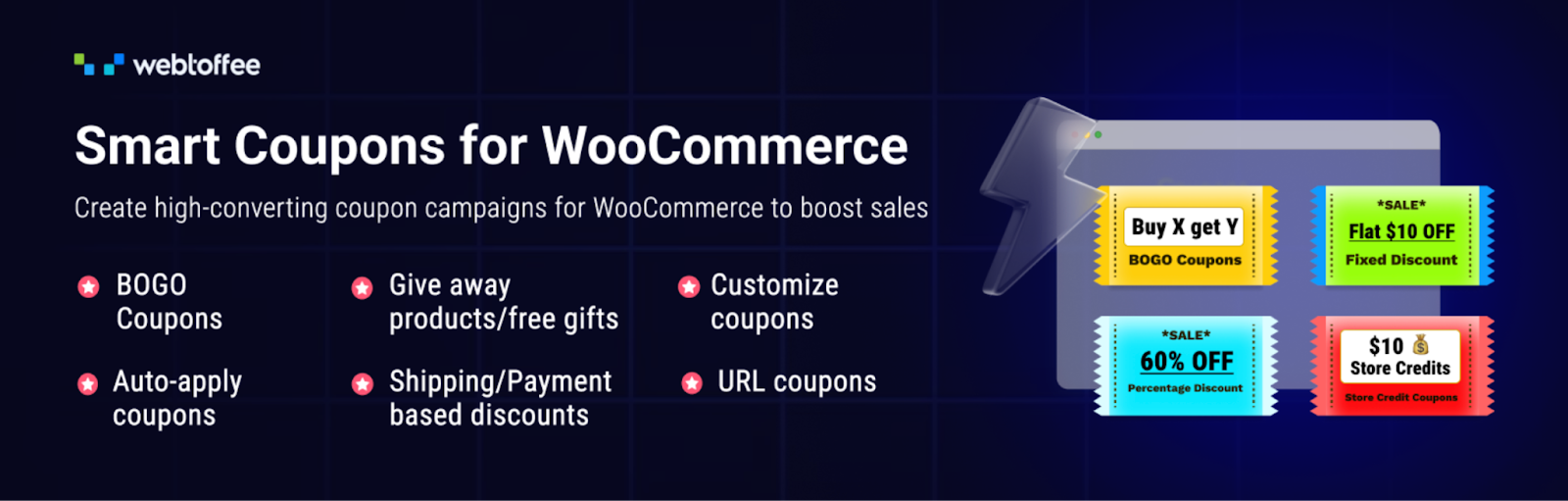
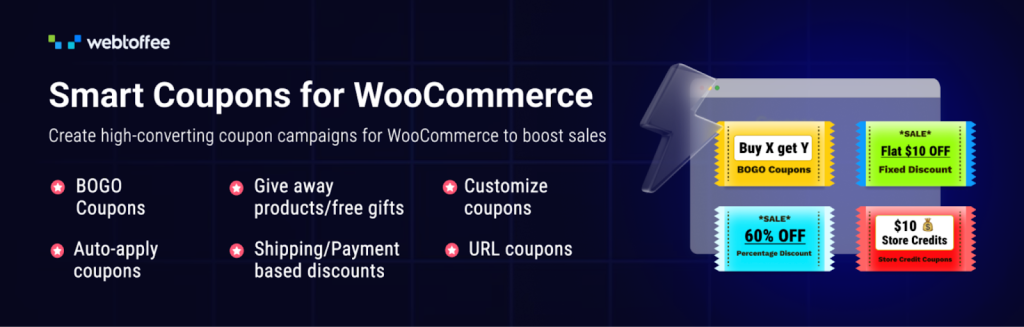
Discount campaigns play a major role in driving purchases and bringing customers back to your store. Smart Coupons for WooCommerce helps store owners go beyond basic coupon codes by creating targeted promotions such as BOGO (Buy One Get One) offers, gift cards, giveaways, and store credits that encourage customers to spend more and return for future purchases.
The plugin expands the default WooCommerce coupon system with advanced promotional capabilities that are easy to manage. Store owners can create coupons that automatically apply at checkout, create flexible Buy One Get One offers with conditions, define usage restrictions, apply coupons through shareable URLs, and run sign-up promotions that reward new customers with discounts. These features help stores launch marketing campaigns that attract attention while keeping the purchase process simple. A free version of the plugin is also available, allowing store owners to access essential coupon features before upgrading to more advanced capabilities.
2. FunnelKit
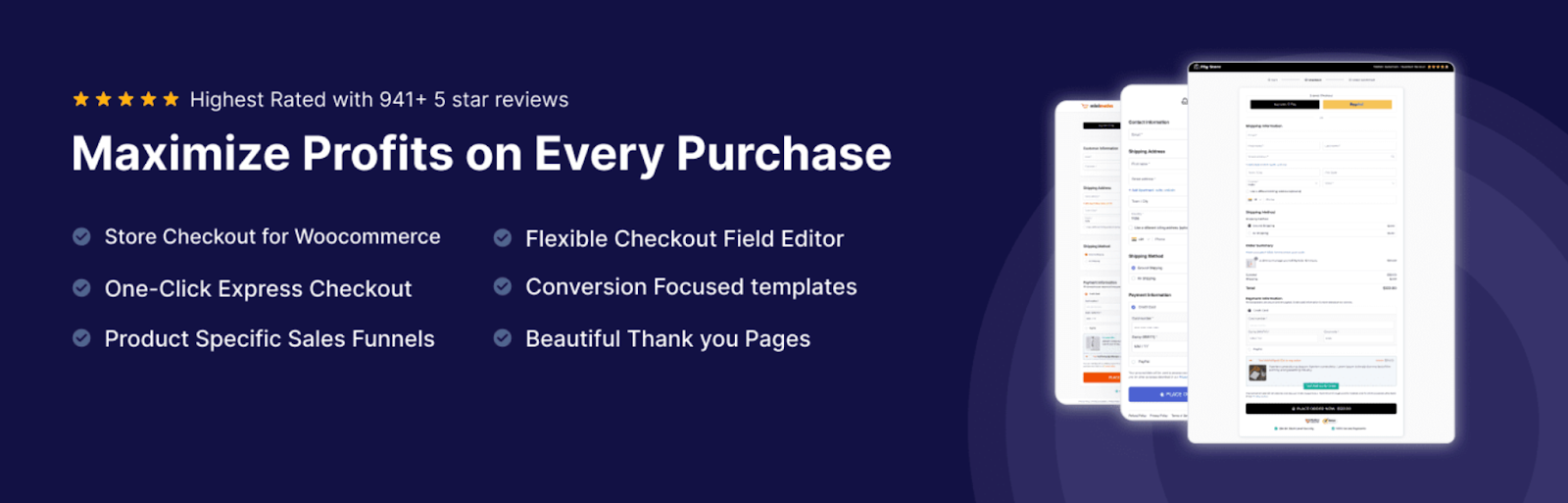
FunnelKit helps WooCommerce stores convert visitors into customers by improving how the purchase journey is structured. The plugin allows store owners to build focused sales funnels that guide shoppers from interest to purchase in a more structured way.
With FunnelKit, you can create custom WooCommerce checkout pages that are optimized for conversions. The plugin provides ready-to-use templates for landing pages, lead-capture pages, and checkout pages that can reduce friction during the buying process. Store owners can also add one-click upsells and customized thank-you pages that introduce additional offers after the initial purchase. These features help increase average order value while also improving the overall shopping experience.
3. Order Import Export for WooCommerce
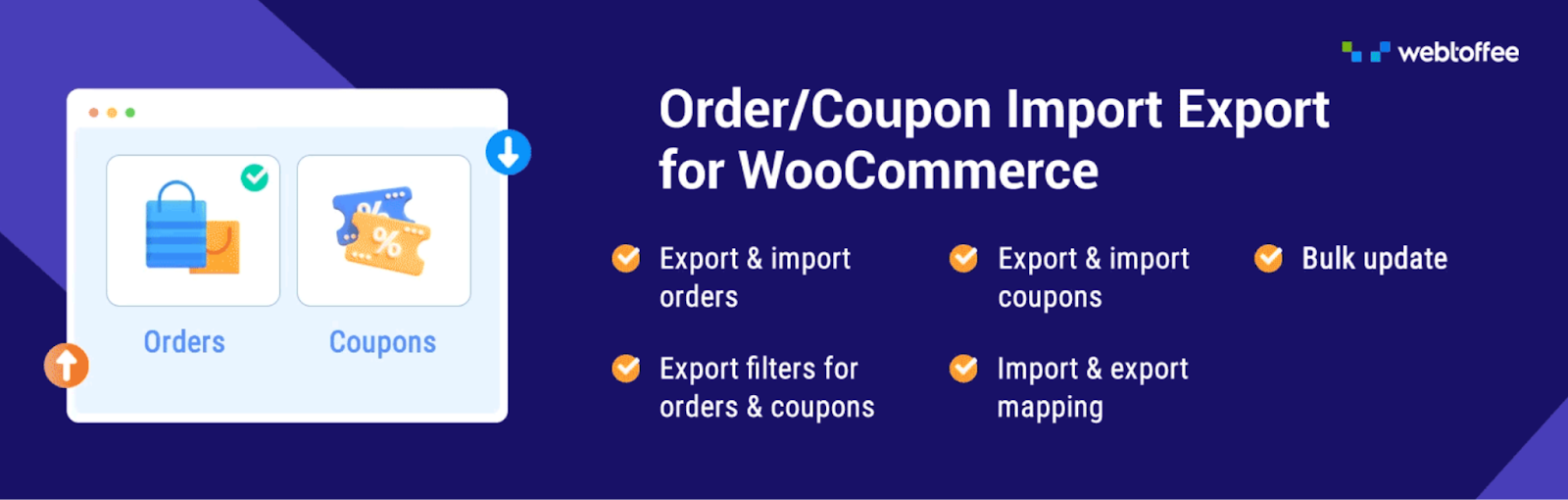
As a WooCommerce store grows, managing large volumes of orders becomes more demanding. The Order Import Export for WooCommerce plugin simplifies this process by allowing store owners to move order data in and out of the store easily. It helps businesses manage reporting, migration, backups, and bulk updates without spending hours.
The plugin allows you to import and export WooCommerce orders, coupons, and subscription data using commonly used file formats such as CSV, XML, TSV, and Excel. Store owners can export specific sets of orders using filters, which is useful when preparing reports, sharing data with accounting tools, or migrating orders between stores. The plugin also supports both quick exports and advanced exports, enabling store owners to decide exactly what order data should be included.
Furthermore, it also supports scheduled imports and exports, which can automatically transfer order data at set intervals. These automation features make it easier for growing WooCommerce businesses to maintain accurate order records while keeping operational tasks efficient.
4. Tidio

Tidio helps WooCommerce stores communicate with customers when they need assistance. Quick responses to questions about products, pricing, or delivery can make the difference between an abandoned cart and a completed purchase. By adding live chat and automated support to your store, Tidio helps improve customer engagement while also supporting sales growth.
The plugin allows store owners to chat with visitors in real-time through a live chat widget that appears directly on the website. This makes it easy to answer questions, guide customers through product choices, and resolve issues before they affect the purchase decision. Tidio also combines live chat with AI-powered chatbots that can respond instantly to common queries, collect lead information, and handle frequently asked questions.
These tools help growing WooCommerce stores maintain strong customer communication while keeping support operations manageable.
5. Sequential Order Numbers for WooCommerce
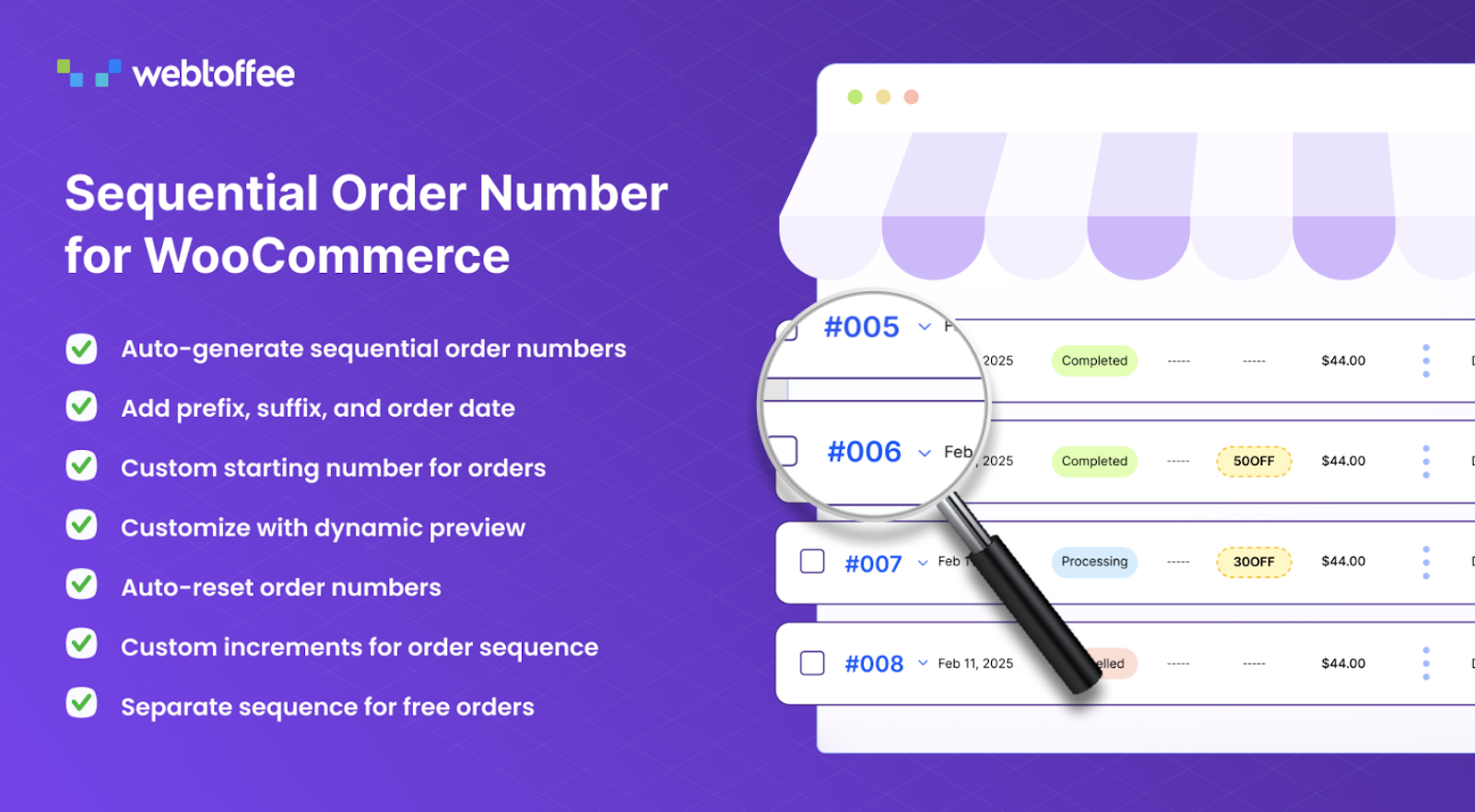
As WooCommerce stores grow, order management becomes harder to track if order numbers appear random. Sequential Order Numbers for WooCommerce solves this by organizing orders into a clear numbering system. This makes it easier for store owners, support teams, and accounting staff to locate and manage orders.
The plugin replaces WooCommerce’s default order IDs with sequential order numbers that follow a logical pattern. Store owners can define their own numbering structure by adding prefixes or suffixes, setting a starting order number, and choosing how the sequence should increment. This provides more control over how orders are labeled and tracked.
The plugin also supports automatic resetting of order number sequences when needed, which can be useful for businesses that organize orders by time periods, such as yearly or monthly cycles.
6. Akismet Anti-spam

Spam comments and fake form submissions can quickly become a problem for growing WooCommerce stores. They clutter moderation queues, damage credibility, and sometimes expose visitors to suspicious links. Akismet Anti-spam helps protect your store by automatically detecting and filtering spam before it appears on your website.
The plugin works by checking comments and form submissions against a large global spam detection database. When a visitor submits a comment or message, Akismet analyzes the content and flags entries that resemble spam. This prevents harmful or irrelevant content from being published while allowing legitimate customer interactions to pass through.
Akismet also provides useful moderation insights that make it easier to manage user activity. The plugin can automatically discard the most aggressive spam, which helps reduce database clutter and maintain site performance as your WooCommerce store grows.
7. All-in-one PDF Invoices and Packing Slips Suite
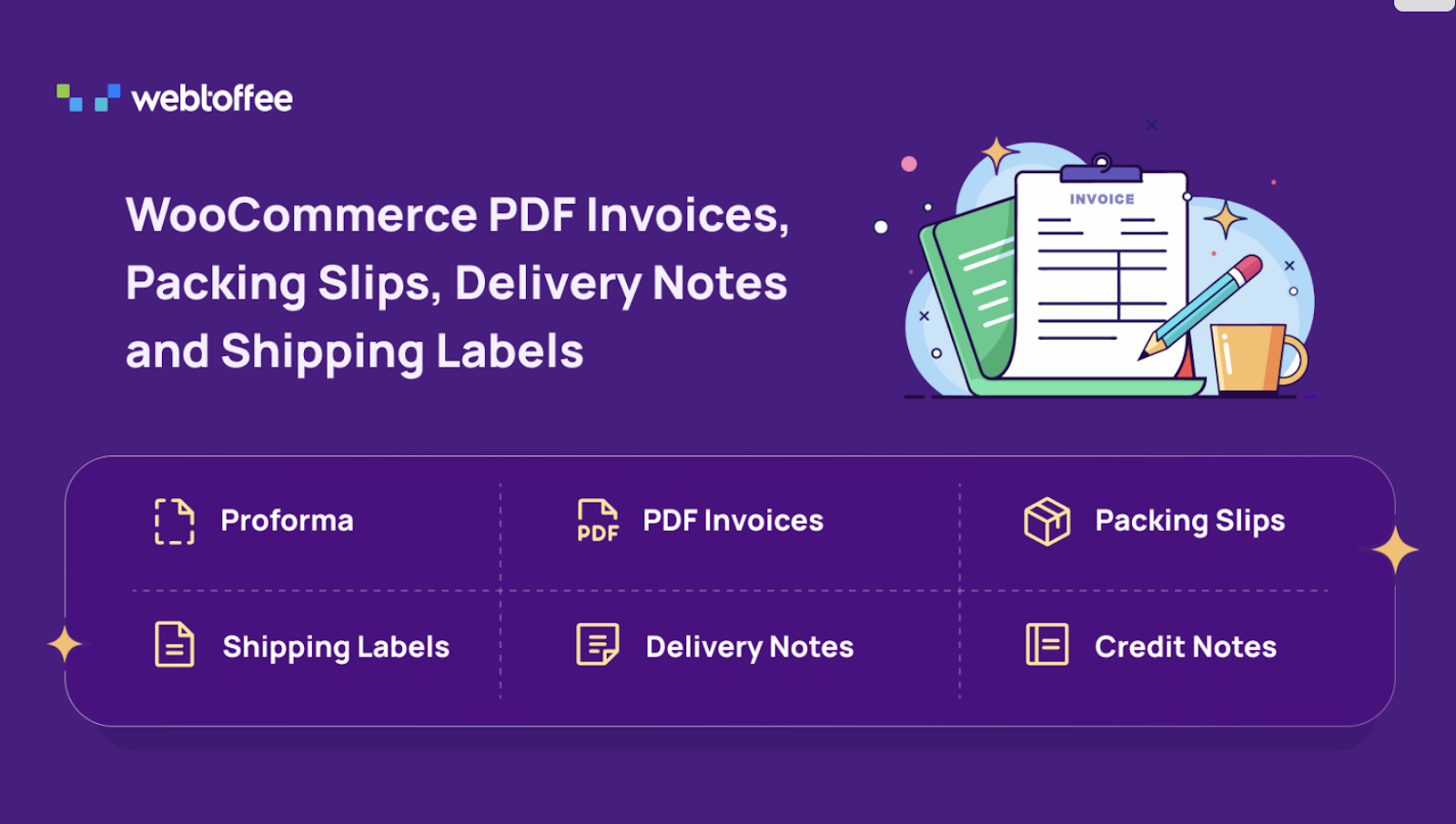
Handling order documentation becomes more important as a WooCommerce store begins processing larger volumes of sales. The PDF Invoices and Packing Slips Suite helps store owners automate essential documents such as invoices, packing slips, and shipping labels so that order processing stays organized and efficient.
The plugin automatically generates PDF invoices and attaches them to WooCommerce order emails, allowing customers to receive proper order documents as soon as a purchase is completed. Store owners can also generate packing slips, delivery notes, and shipping labels from the dashboard, which simplifies warehouse and fulfillment workflows. The invoices plugin supports credit notes and proforma invoices as well, making it easier to handle refunds, pre-payments, and formal documentation required for many businesses.
You can bulk print invoices and shipping labels when processing multiple orders, apply custom sequential numbering for invoices, and include tax identifiers on invoice documents.
8. Accessibility Tool Kit

Making an online store accessible to all users is an important part of building a sustainable and trustworthy business. Accessibility Tool Kit helps WooCommerce and WordPress site owners identify and fix common accessibility issues so that their websites can be used comfortably by people with different abilities. Improving accessibility also expands the potential customer base and helps businesses meet recognized compliance standards.
The plugin scans your website to detect accessibility issues that may affect usability. It checks for common problems such as missing labels, poor heading structure, low color contrast, and keyboard navigation limitations that can make browsing difficult for some users. By highlighting these issues within the site, the plugin helps store owners understand what needs improvement and take corrective action.
To support both site owners and visitors, the plugin includes tools that assist with accessibility testing and user adjustments. A front-end accessibility toolbar allows visitors to modify visual and interaction settings based on their needs. The plugin also offers a free Accessibility Checker Chrome extension, which allows developers and testers to run WCAG-based checks on any webpage and review accessibility elements in real-time.
9. WooCommerce Marketing Automations
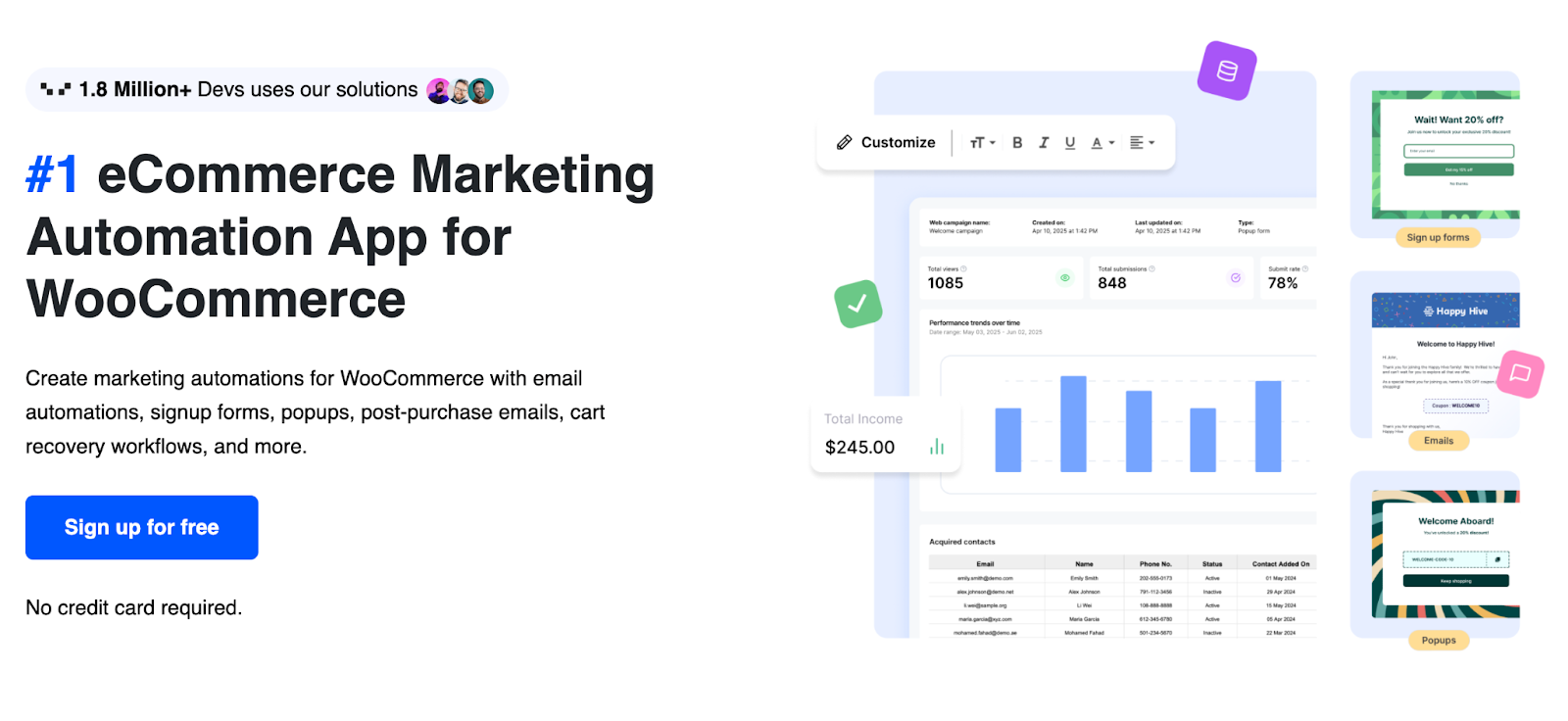
Consistent customer engagement plays a major role in growing a WooCommerce store. WooCommerce Marketing Automation app helps store owners stay connected with visitors and customers through automated marketing workflows. Instead of managing every campaign manually, the plugin allows businesses to set up automated communication that encourages purchases, repeat visits, and long-term customer relationships.
The plugin allows you to capture leads through signup forms placed across your website, and greet visitors with targeted popups that introduce offers, promotions, or announcements at the right moment. Email automation plays a central role in the plugin, allowing store owners to send follow-up emails, recommend products, and run cart recovery campaigns that remind customers to complete their purchases.
Furthermore, the plugin includes a simple email builder that helps create professional campaign emails without requiring design or coding skills. These automation tools help WooCommerce stores maintain regular engagement with customers while improving the chances of repeat sales and higher order values.
10. ATUM WooCommerce Inventory Management
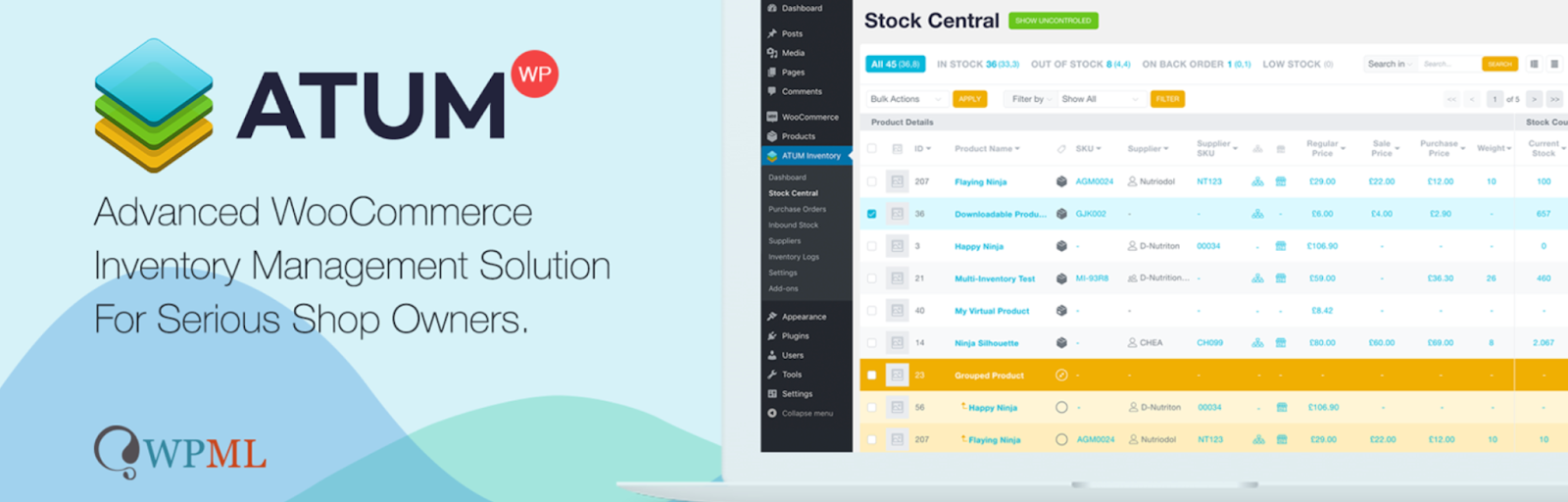
Inventory control becomes increasingly important as a WooCommerce store expands its product catalog and order volume. ATUM WooCommerce Inventory Management helps store owners stay on top of stock levels, product data, and supply management from a single, organized dashboard. By giving clearer visibility into inventory operations, the plugin helps businesses avoid stock issues that can affect sales and customer satisfaction.
The plugin introduces a centralized control panel through its Stock Central interface, where store owners can view and manage all product inventory in one place. From this dashboard, you can quickly update stock quantities, product SKUs, supplier details, product weight, and pricing information without navigating through multiple product pages. The built-in statistics dashboard also provides useful insights into inventory performance, helping businesses monitor stock availability and make informed restocking decisions.
11. Request a Quote for WooCommerce
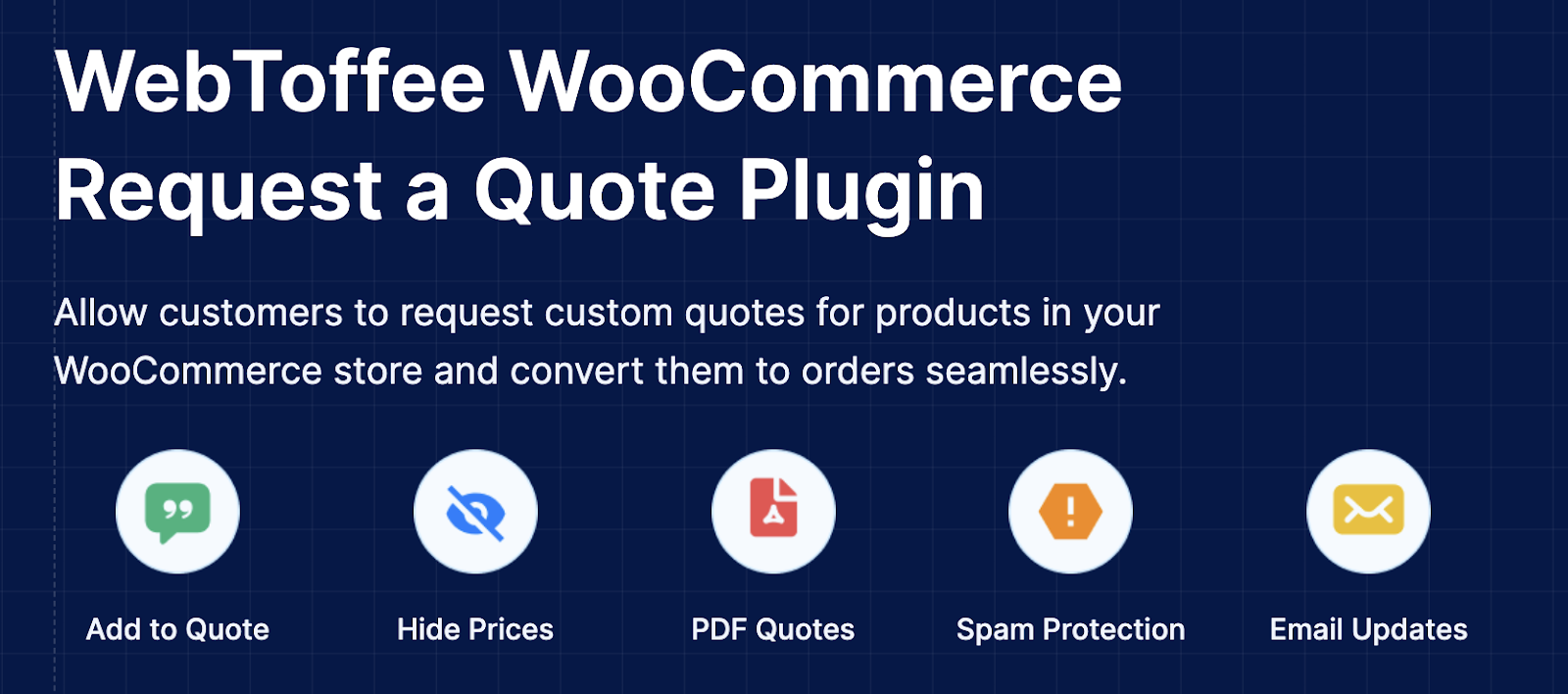
For stores that deal with bulk orders, custom products, or negotiated pricing, allowing customers to request a quote can open the door to larger deals. Request a Quote for WooCommerce helps businesses manage this process within their store by enabling structured quote requests.
The plugin allows customers to add products to a quote basket and submit a request instead of completing a standard checkout. Store owners can hide product prices and replace the add to cart button with an add to quote option when pricing needs to be discussed first. All incoming requests are organized within a centralized quote dashboard where you can review details, respond to customer inquiries, negotiate pricing, and approve or decline requests.
Once a quote is finalized, it can be converted into a WooCommerce order without requiring manual order creation.
12. PayPal for WooCommerce
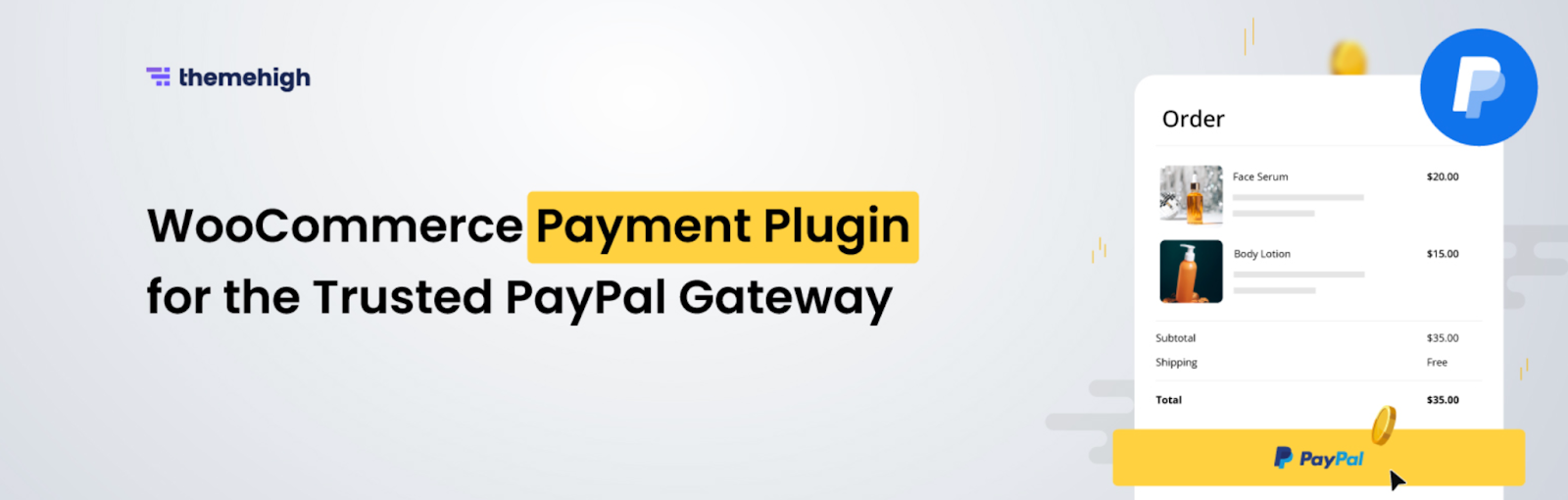
Offering familiar and trusted payment methods is essential for improving checkout completion rates in an online store. PayPal for WooCommerce allows businesses to integrate PayPal into their WooCommerce store so customers can pay using one of the most widely recognized payment platforms in the world. This helps build buyer confidence while making the checkout process quicker and more convenient.
The plugin adds PayPal Express Checkout and Smart Checkout options to WooCommerce, allowing customers to complete their purchases using PayPal. Shoppers can pay using their PayPal balance, credit cards, debit cards, or PayPal Credit, giving them flexibility during checkout. PayPal’s smart buttons also detect the customer’s location and display payment options that are commonly used in their region, which helps create a smoother payment experience for international customers.
13. GDPR Cookie Consent
As WooCommerce stores grow, handling user data responsibly becomes just as important as managing sales. The GDPR Cookie Consent plugin by WebToffee helps store owners stay compliant with global privacy regulations like GDPR, CCPA, and other data protection laws while maintaining a smooth user experience. The plugin allows you to display customizable cookie consent banners that inform visitors about cookie usage and collect explicit user consent before any data is stored.
It automatically blocks non-essential cookies until users give permission, ensuring compliance without manual intervention. Store owners can offer granular control by letting users choose which categories of cookies they accept, improving transparency and trust. The plugin also includes features like geo-targeting, multilingual support, consent logs for audit purposes, and a built-in cookie policy generator. Additionally, it integrates with tools like Google Consent Mode and IAB TCF, helping businesses continue using analytics and advertising tools responsibly while respecting user privacy.
Conclusion
Growing a WooCommerce store involves more than adding products and waiting for orders. It requires the right set of tools that help improve sales, manage operations efficiently, and create better experiences for customers. The plugins covered in this list address different parts of that process, from marketing and promotions to inventory control, payments, and customer communication.
By choosing plugins that support your store’s needs, you can streamline everyday tasks and create more opportunities for revenue growth. Start with the ones that solve your most immediate challenges, and gradually build a plugin stack that supports your store as it continues to expand.